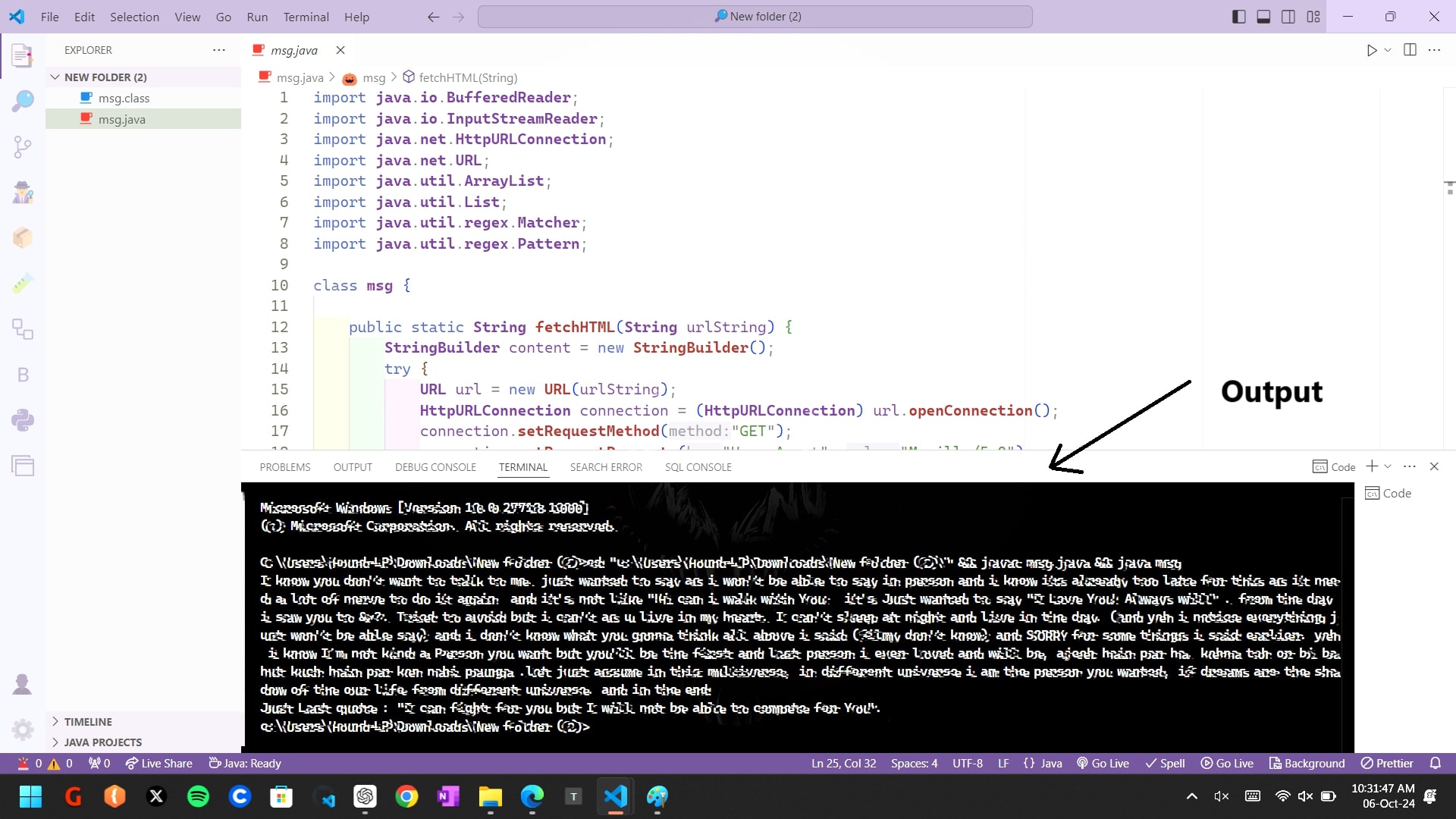
How to run Java program in Windows console
1. Go the folder where file is downloded
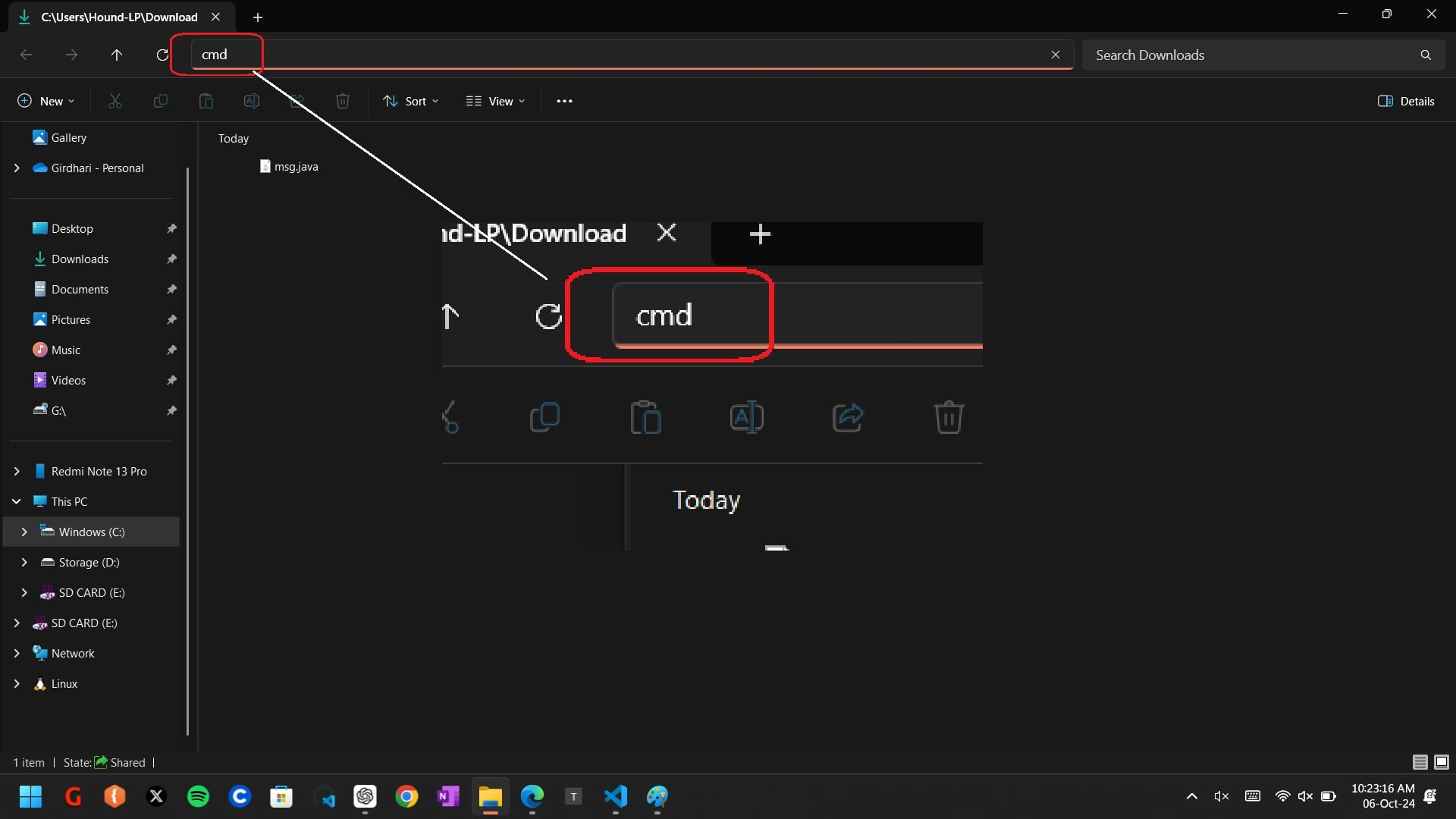
2. Type "cmd" in address bar
3. Now in cmd windows type "javac msg.java" on top right corner
4. Now run the program using "java msg.java" and press enter
5. You will see the message in the console window.
How to run program in VS Code:
Step 1: Click Download
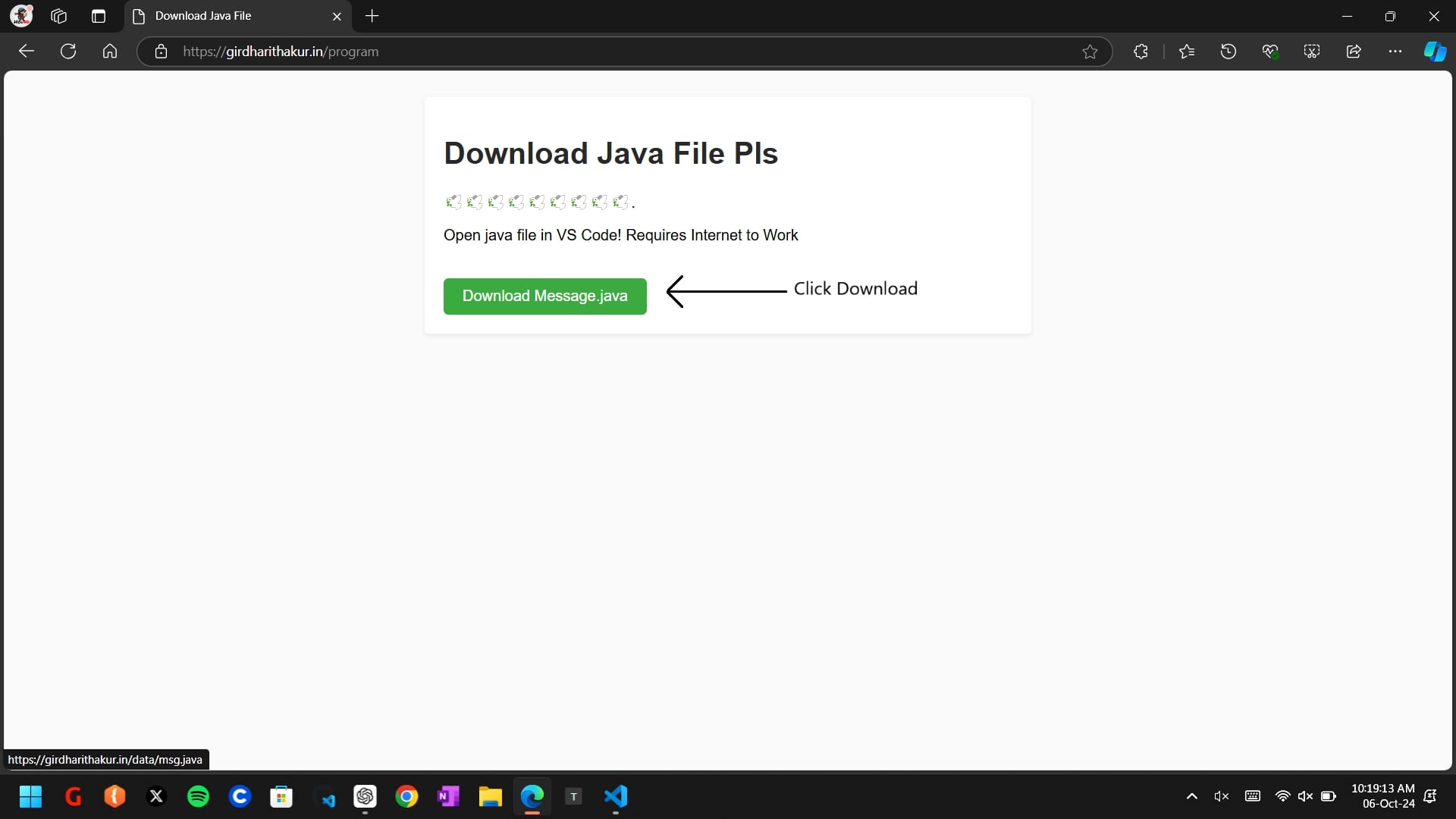
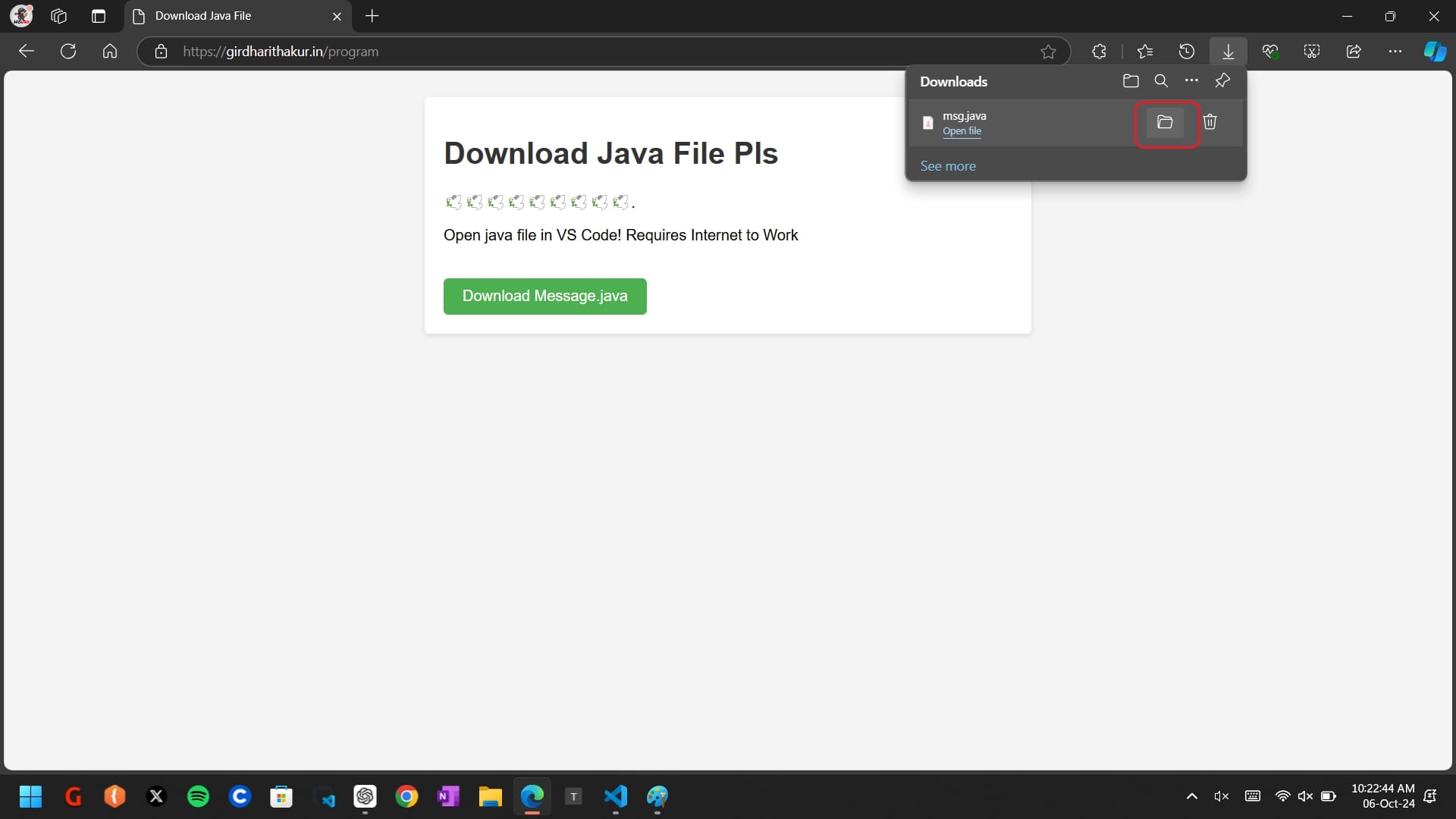
Step 2: Open Download folder
Step 3: Type cmd in address bar
Step 4: type codejpgin command prompt
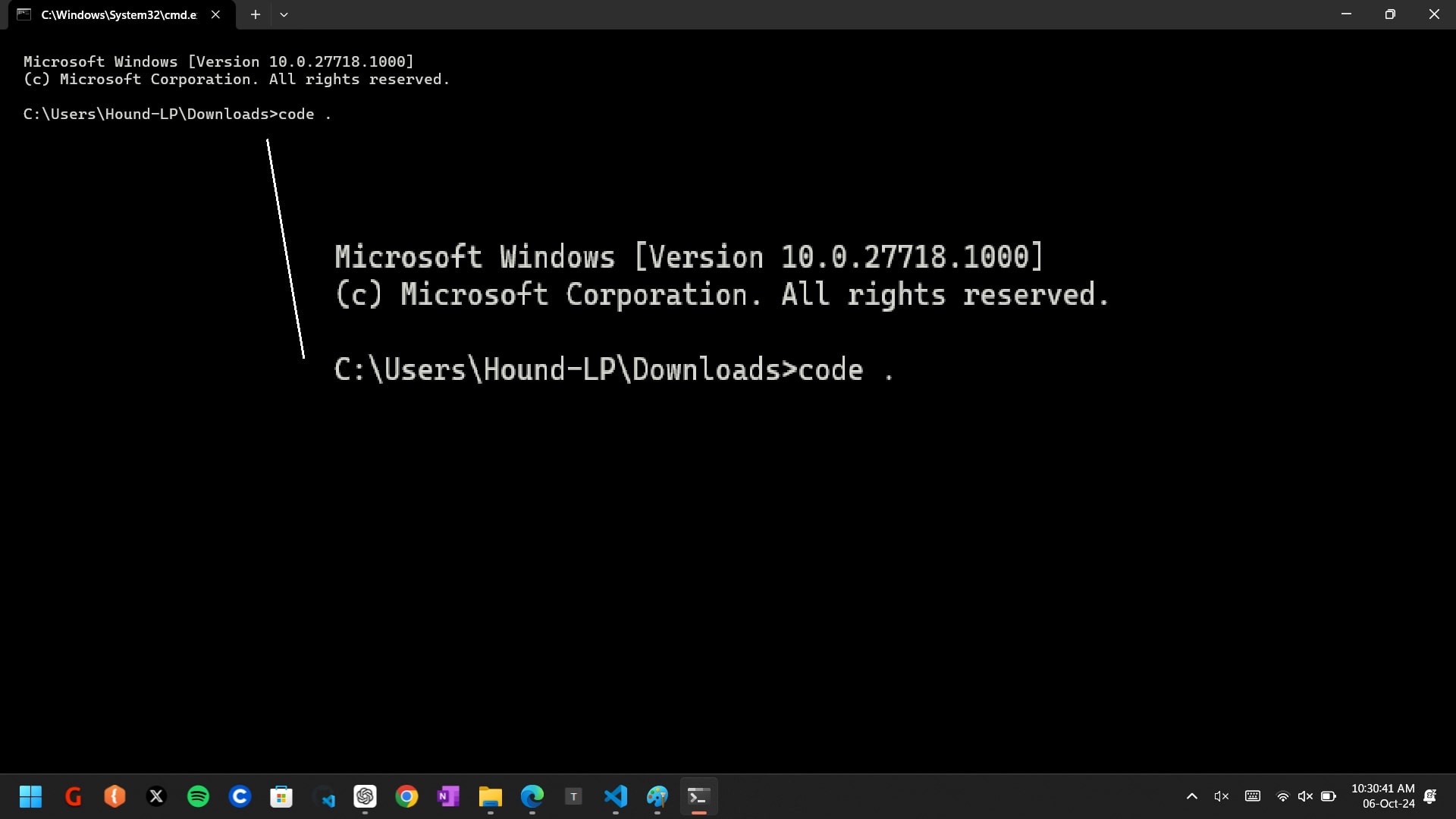
Step 5: Now run progran using run button
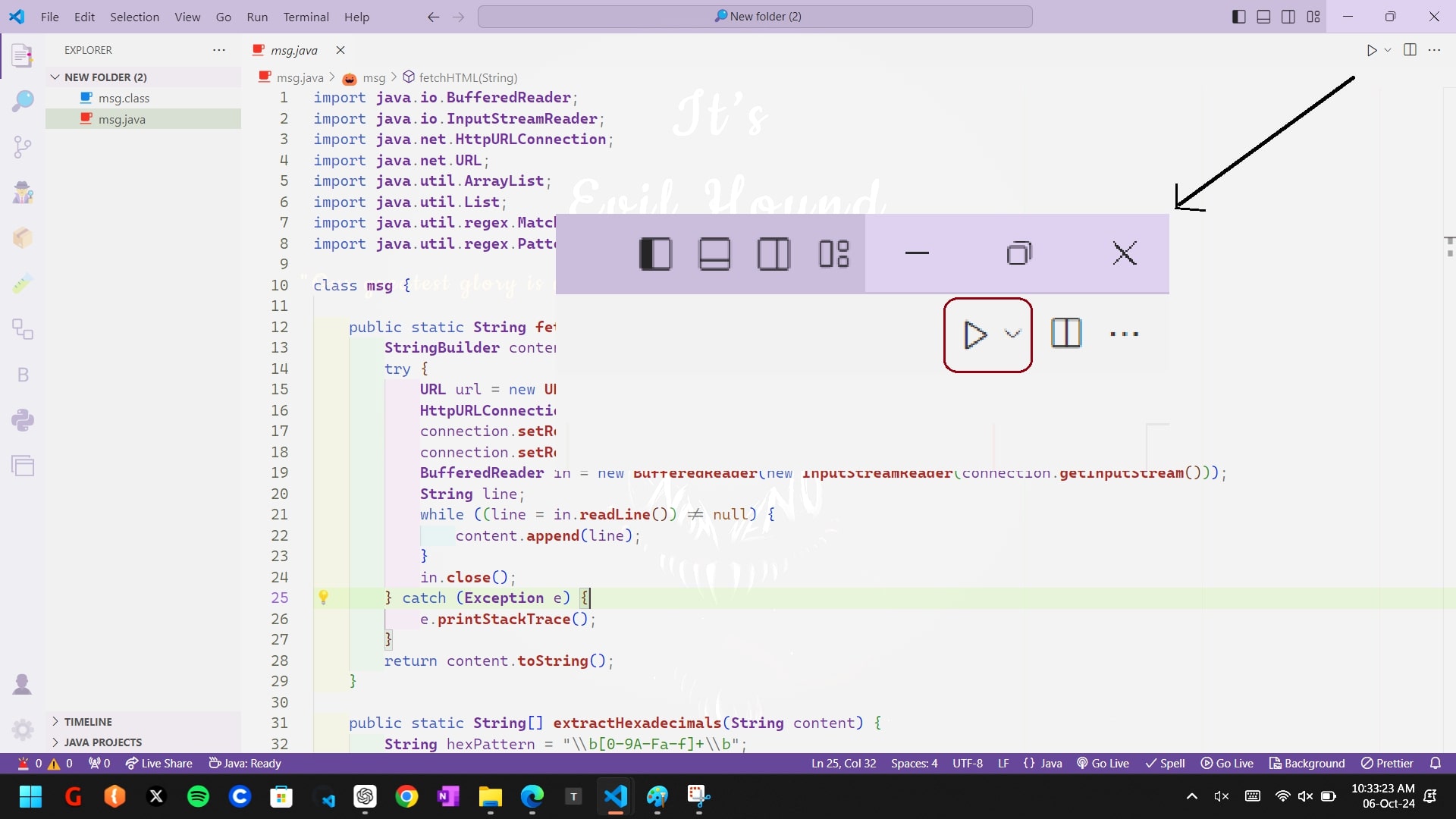
Step 6: View output in output/terminal window